← 全部作品← All apps
长图拼接 图标

长图拼接Long Stitch Long Stitch长图拼接

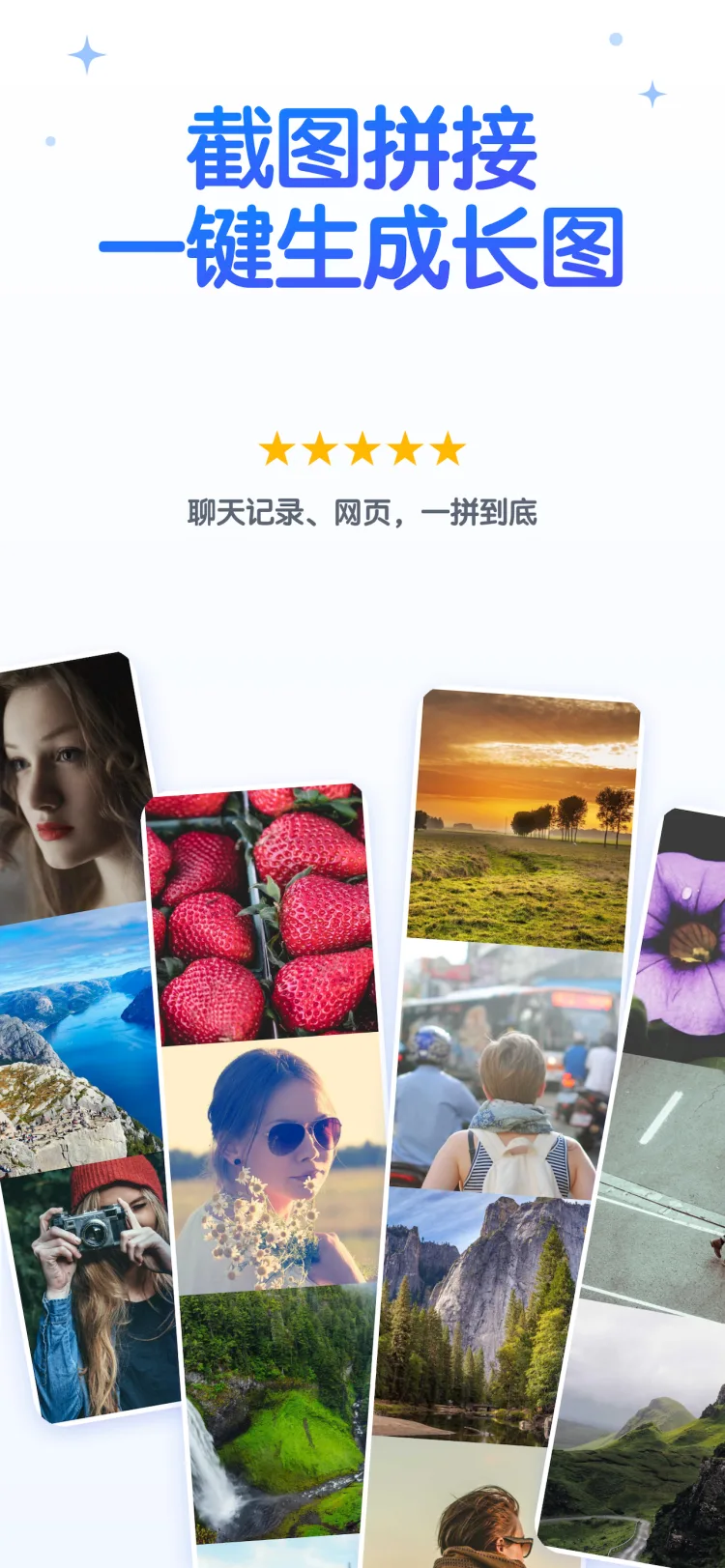
一串截图,一张看不出接缝的长图 A stack of screenshots, one seamless image.

长图拼接 截图 1 长图拼接 截图 2 Long Stitch screenshot 1 Long Stitch screenshot 2

把一串截图变成一张看不出接缝的长图。

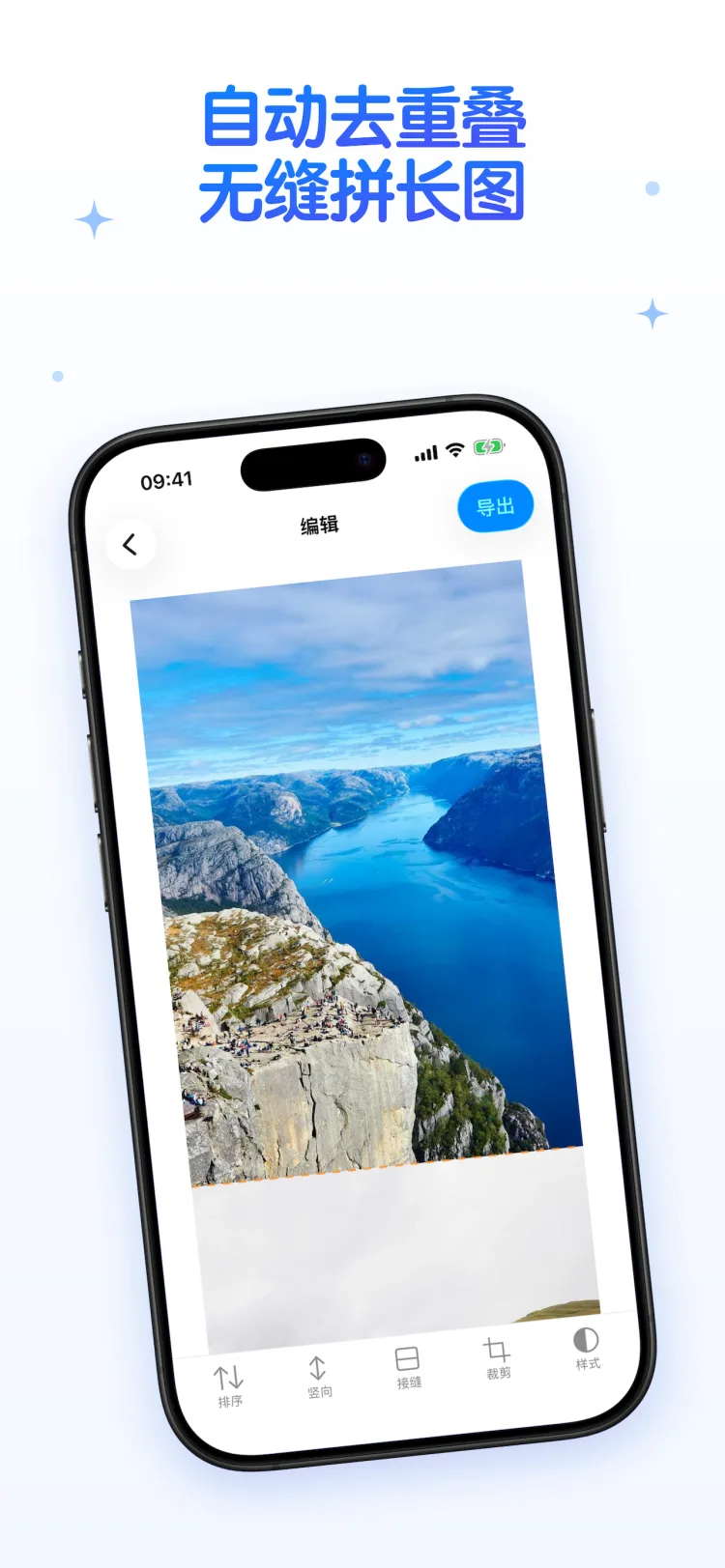
选好顺序,重叠部分自动去除,几秒钟拼好,高清导出。聊天记录留存、网课笔记整理、商品详情长图、社交平台发布——需要把截图连成一张的时刻,长图拼接都能又快又稳地搞定。

无缝拼接

  • 自动识别相邻截图的重叠区域,去重并对齐
  • 每处接缝可拖动微调,未识别时也能手动调整
  • 单图独立裁剪顶部 / 底部,去掉重复的导航栏、输入框,还能一键应用到中间所有图
  • 检测到状态栏自动提示,一键清理
  • 支持竖向 / 横向拼接,长按拖动排序

智能检测

  • 打开 App 自动发现刚截的连续截图,一键拼接
  • 只读取元数据判断,不扫描图片内容
  • 未授权相册也不影响:系统选择器零权限直达

网页截长图

输入或粘贴链接,内置浏览器分段截取整页,直接生成一张完整的网页长图。

创意拼图

18 款模板:九宫格、四宫格、六宫格、瀑布流、宝丽来、胶片风、同心圆、花瓣、四叶草、爱心、拼图块、胶囊、镜面反射、时间轴、蜂窝、楼梯、扇形放射、照片夹。点选即可更换、删除,或交换两张照片的位置。

高清导出与清理

  • JPG、PNG 无损、PDF 三种格式,默认原始分辨率,绝不静默压缩
  • 超长图片可智能分段保存,避免发出去变糊
  • 保存成功后一键删除原始截图,经系统确认后执行,可在「最近删除」中找回

简单放心

全程在本机完成,不上传任何图片、不消耗流量。无广告、无水印。

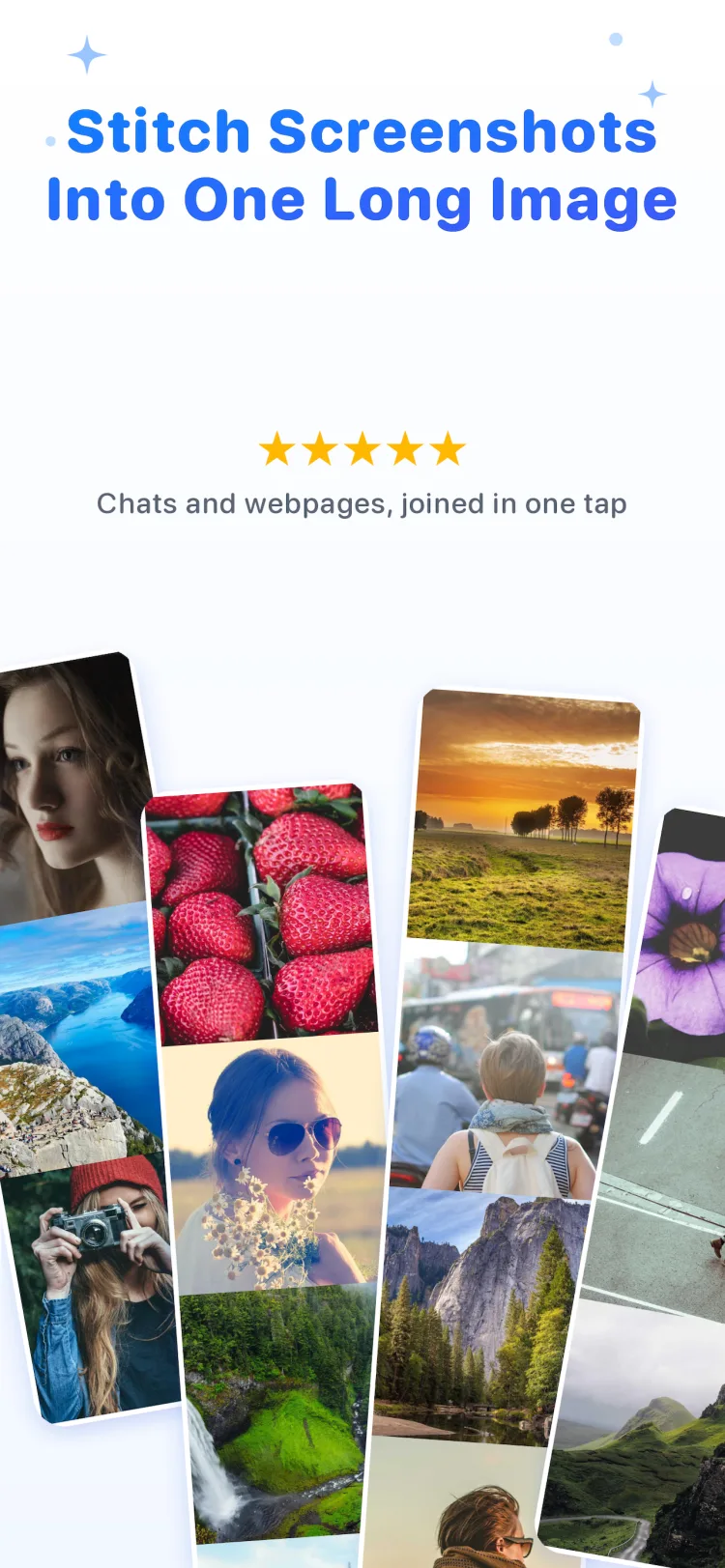
A pile of screenshots, one long image with no visible seams.

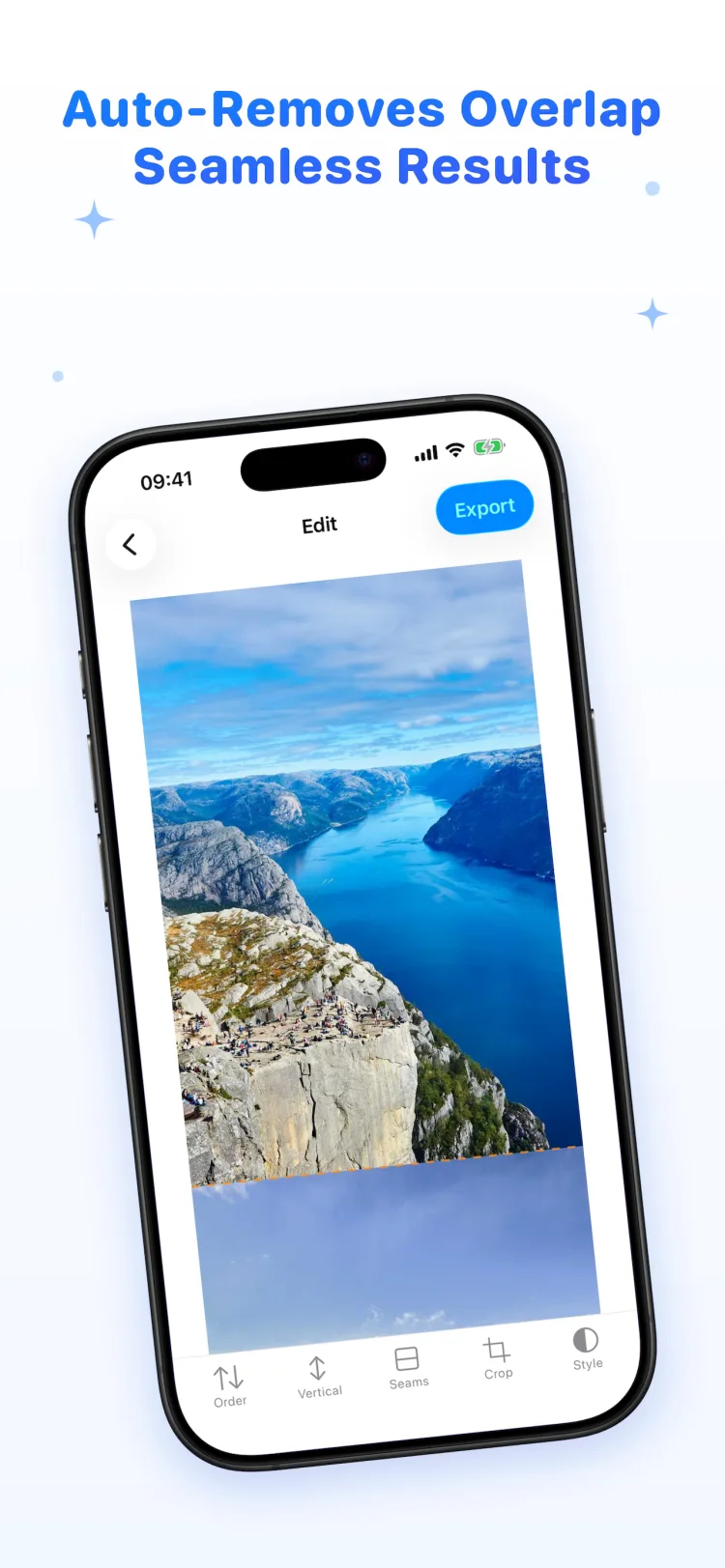
Pick your shots, set the order, and the overlapping parts are removed automatically. Chat histories, lecture notes, product pages, receipts — whenever screenshots need to become one image, Long Stitch does it fast and does it cleanly.

Seamless stitching

  • Detects the overlap between neighboring screenshots and aligns them automatically
  • Fine-tune every seam with a slider whenever you want more control
  • Trim the top and bottom of each image to remove repeated nav bars, and apply the same crop to all middle images at once
  • Status bar detected? Clean it up with one tap
  • Vertical or horizontal stitching, drag to reorder

Smart detection

  • Open the app and your latest burst of consecutive screenshots is already waiting
  • Detection reads only metadata, never the content of your photos
  • No photo permission? The system picker still gets you there

Web capture

Paste a link and the built-in browser captures the whole page in segments. Get a complete web page as a single long image.

Collage

18 templates: 3×3 grid, 2×2 grid, hero grid, waterfall, polaroid, film strip, concentric, petals, clover, heart, jigsaw, capsules, reflection, timeline, honeycomb, stairs, radial and clothesline. Tap to replace, remove, or swap any two photos.

Export and clean up

  • JPG, lossless PNG or PDF, at original resolution by default
  • Very long images can be saved in segments so they stay sharp everywhere
  • After saving, delete the original screenshots in one step — confirmed by the system and recoverable from Recently Deleted

Private by design

Everything happens on your device — nothing is ever uploaded. No ads, no watermark.