QR Code App Icon

QR Code

Fast QR and barcode scanning for everyday use.

QR Code screenshot QR Code screenshot

Overview

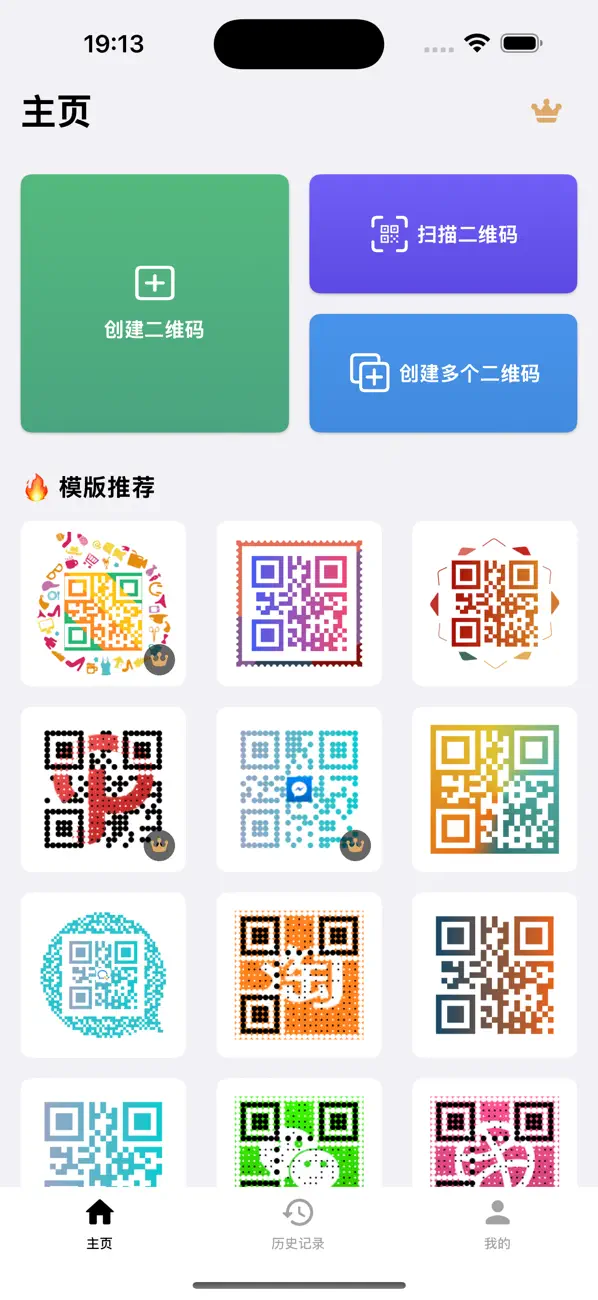
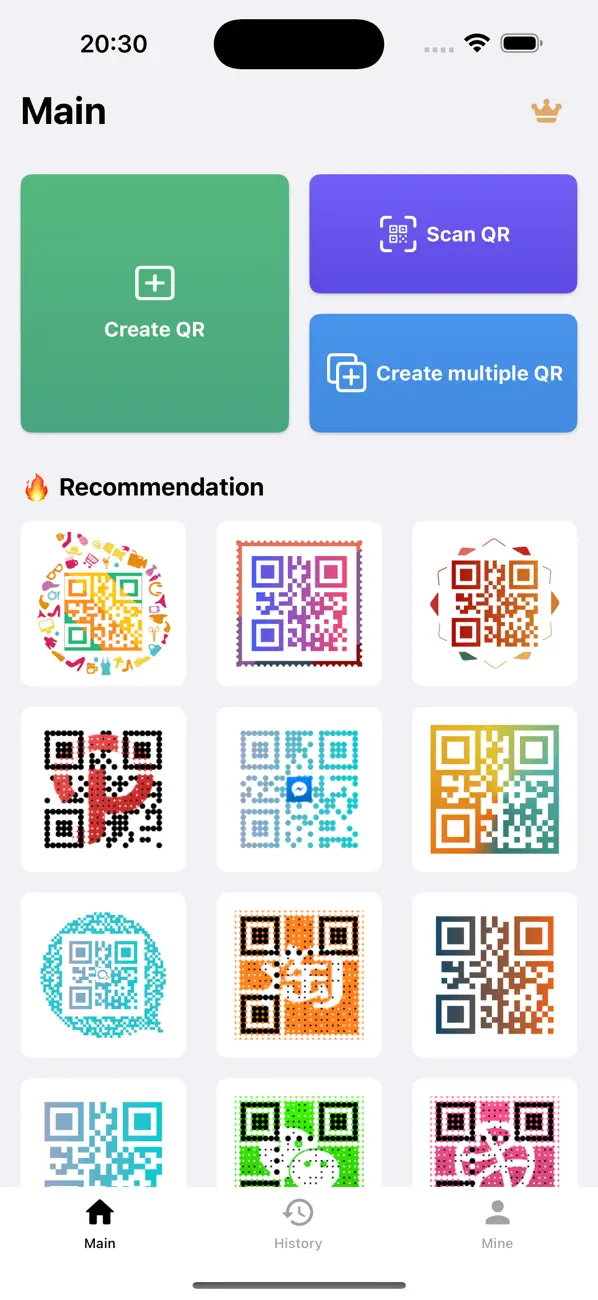
QRCode is a brand new QR code scanning and generation software, integrating fast scanning and personalized QR code production.

Main functions:

1 Quick entry: Long press the App icon to quickly navigate to the QR code creation, scanning or batch creation page.

2 Multi-type QR code generation: Supports QR code generation of text, URL, phone number, contact and other types, and more types will be added in the future.

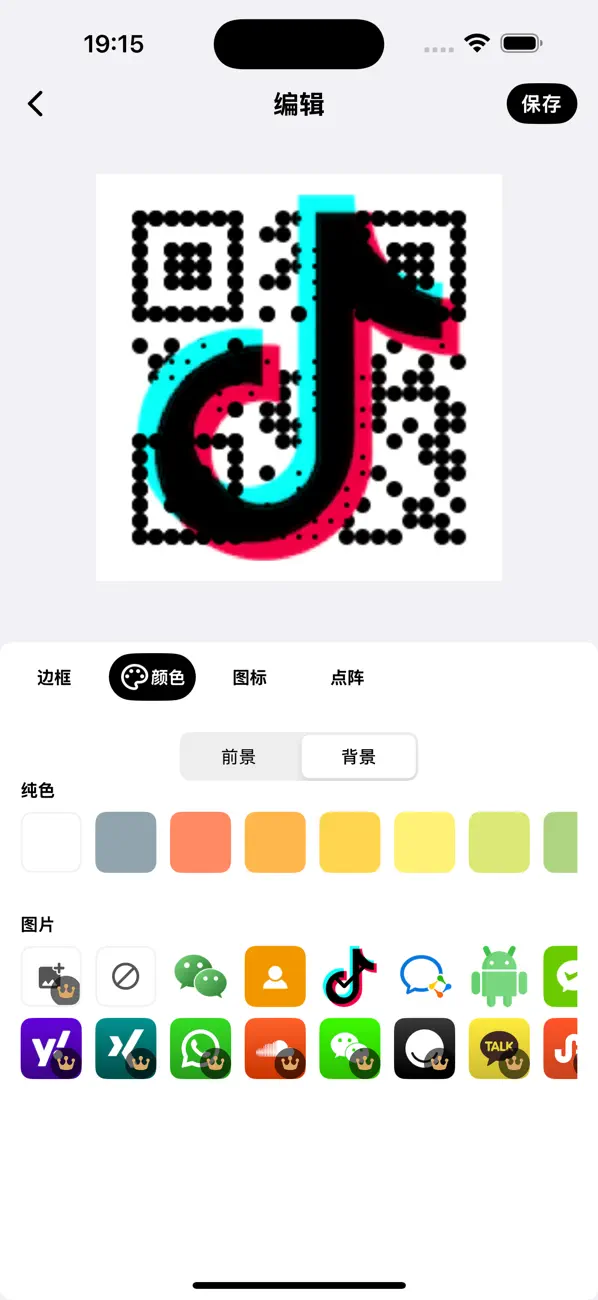
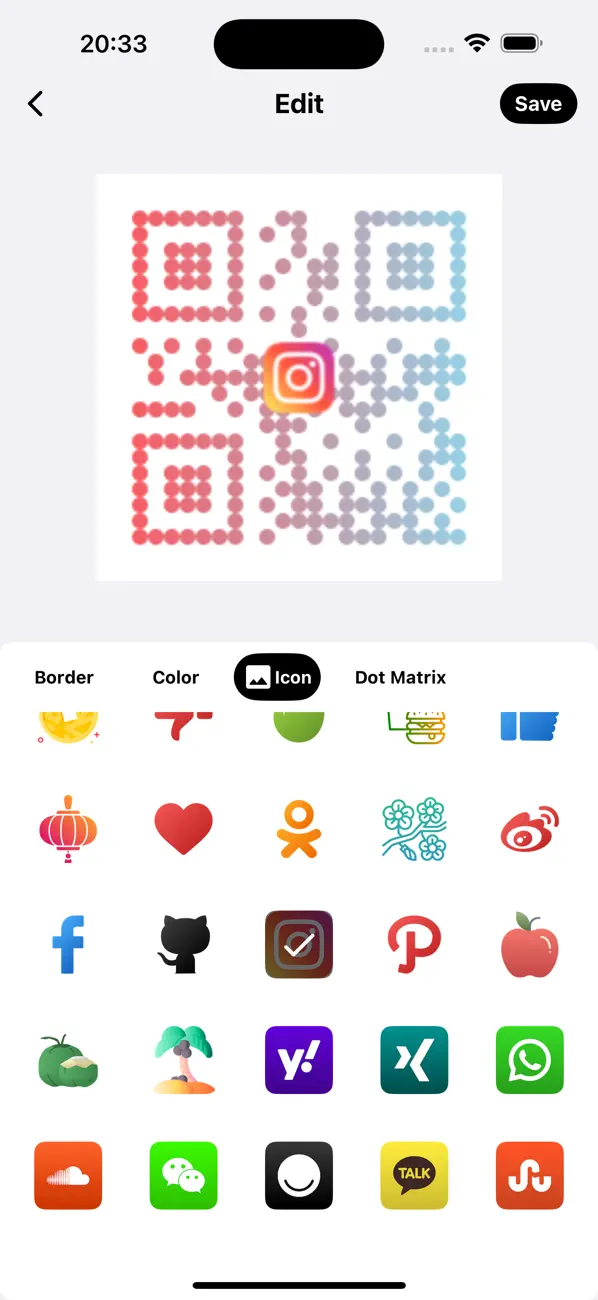
3 QR code beautification: After generating the QR code, we provide a beautification interface with dozens of exquisite colors and more than 80 common social media logos built in.

3.1 Select beautiful background color, foreground color and background image.

3.2 Add a custom logo image.

3.3 Add exquisite borders.

3.4 Adjust the layout points of the QR code.

4 Share and save: After saving the image, you can share it with friends and family and let them scan the interesting QR code you created.

5 Template QR code: There are multiple QR code templates built in. Click and enter the content to generate a QR code of the corresponding style, which is convenient and efficient.
6 High-speed code scanning: Using the latest code scanning technology, the code scanning speed is better than the system's built-in function, and the QR code results can be obtained faster.
7 Code scanning result processing:
7.1 If it is a web address, it can be opened directly.
7.2 The address can be copied.
7.3 Share the code scanning results.
7.4 Beautify the QR code again.
8 Multi-code recognition: Supports simultaneous recognition of multiple QR codes from pictures. Select pictures in the album to recognize multiple QR codes at once, which is extremely convenient.
9 Batch creation: Supports creating multiple QR codes at a time, generating a QR code per line, and multiple lines of content can be entered for generation.
10 History: Provides code scanning records and creation records, which are convenient for sharing, beautification and copying content.
11 Exquisite design: The App has been beautified a lot, and four carefully designed color schemes are provided, each of which has been carefully adapted to the color.
12 Rich Logo options: In order to meet the needs of different users, we provide Logos in a variety of colors and styles.
13 Custom settings: In the settings, you can adjust the image export format, size, and the fault tolerance level when generating the QR code.

Special note:

This App supports iOS 13.0 at the minimum.
In the QR code beautification step, if you need to change the QR code border color, this function only supports iOS 15.0 and above, and cannot be used on systems lower than iOS 15.0.

If you like our App, please give us a good review in the App Store, we will be very grateful! If you have any comments or suggestions, welcome feedback, thank you very much!

应用介绍

QRCode 是一款全新的二维码扫码和生成软件,集快速扫码和个性化二维码制作于一体。

主要功能:

1 快捷入口:长按App图标,即可快速导航至创建、扫码或批量创建二维码页面。
2 多类型二维码生成:支持文本、网址、电话号码、联系人等类型的二维码生成,未来将添加更多类型。
3 二维码美化:生成二维码后,我们提供了一个美化界面,内置数十种精美颜色和80多个常见的社交媒体Logo。
3.1 选择美观的背景色、前景色和背景图片。
3.2 添加自定义Logo图片。
3.3 添加精美的边框。
3.4 调整二维码的布局点。
4 分享与保存:保存图片后,您可以将其分享给朋友和家人,让他们扫描您创建的有趣二维码。
5 模板二维码:内置多种二维码模板,点击并输入内容即可生成对应样式的二维码,方便高效。
6 高速扫码:采用最新的扫码技术,扫码速度优于系统自带功能,更快速获取二维码结果。
7 扫码结果处理:
7.1 若为网页地址,可直接打开。
7.2 可以复制地址。
7.3 分享扫码结果。
7.4 再次美化二维码。
8 多码识别:支持从图片中同时识别多个二维码,选择相册中的图片即可一次识别多个二维码,极其方便。
9 批量创建:支持一次创建多个二维码,每行生成一个二维码,可输入多行内容进行生成。
10 历史记录:提供扫码记录和创建记录,便于分享、美化和复制内容等操作。
11 精美设计:对App进行了大量美化,提供四种精心设计的配色方案,每一种都进行了细致的颜色适配。
12 丰富的Logo选项:为了满足不同用户的需求,我们提供了多种颜色和样式的Logo。
13 自定义设置:在设置中,您可以调整图片导出格式、大小以及二维码生成时的容错等级。

特别注意:

本App最低支持iOS 13.0。
在二维码美化步骤中,如需更改二维码边框颜色,该功能仅支持iOS 15.0及以上系统,低于iOS 15.0的系统无法使用。

如果您喜欢我们的App,请在App Store给我们好评,我们将非常感激!如果您有任何意见或建议,欢迎反馈,非常感谢!

Other apps from Softminilabs

← Back to Showcase