Counter App Icon

Counter

A simple tally counter for tracking counts clearly.

Counter screenshot Counter screenshot

Overview

"Counter" is self-explanatory. It is a counting software that is simple to use and reasonably priced. It doesn't have too many features and focuses on simplicity and directness.

Home page functions:
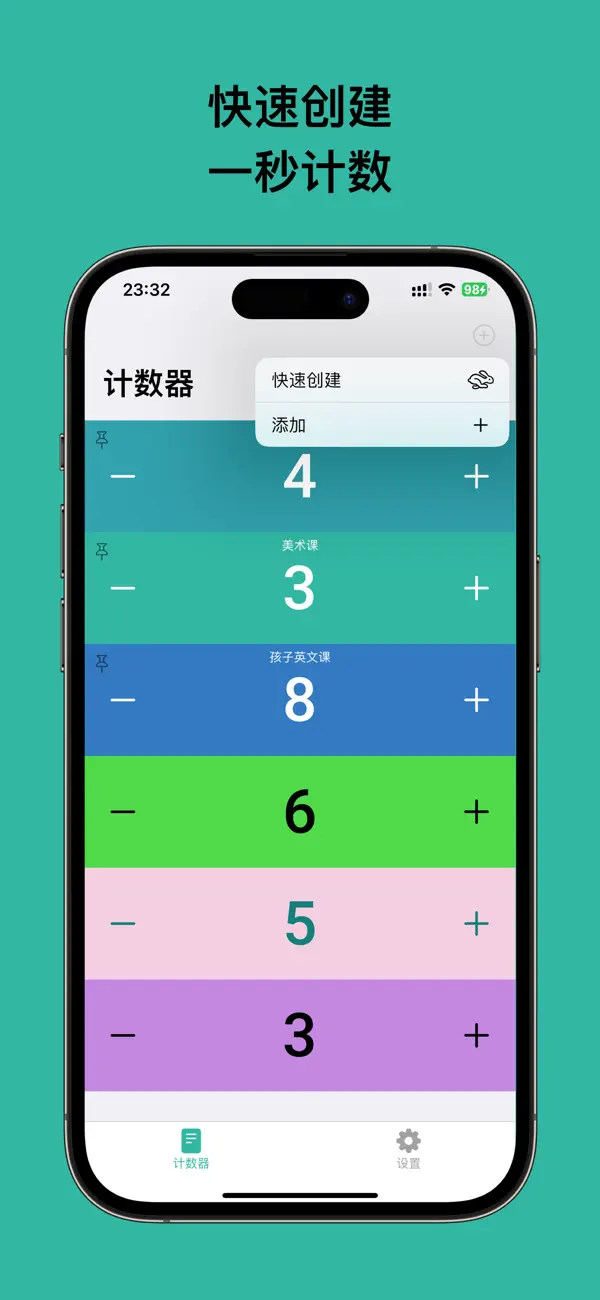
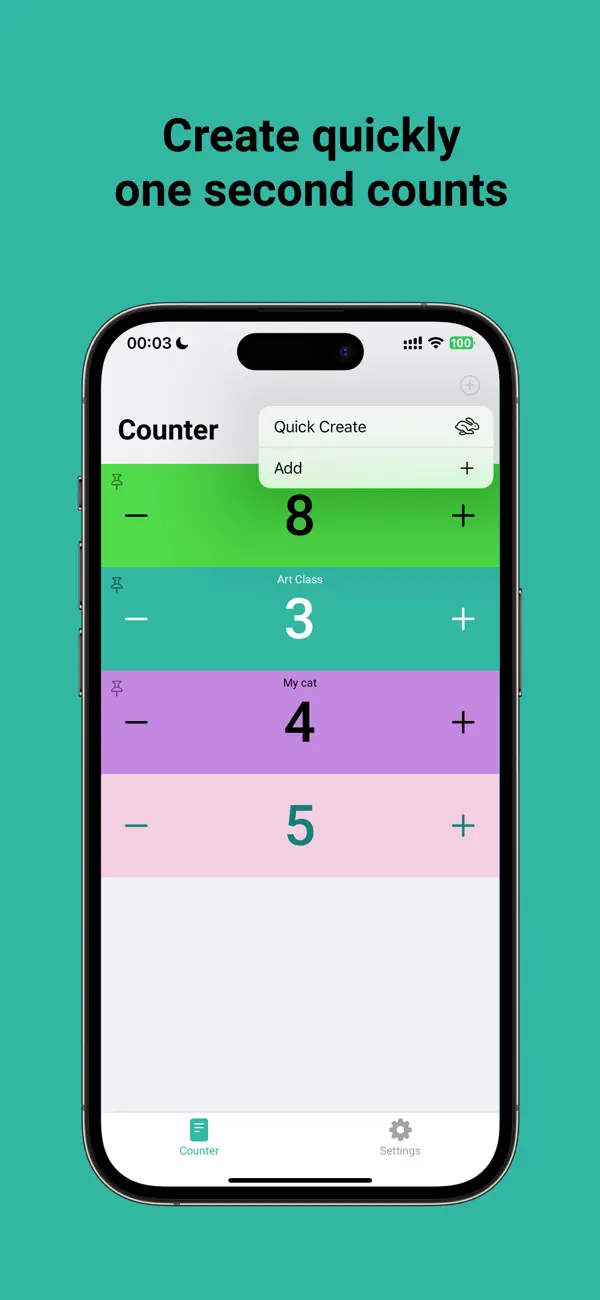
1. In the upper right corner of the home page, click "Quick Add" to access a shortcut to quickly add a counting item. This is to make it easier to count, as you can add counts cleanly and quickly without having to create many styles first. Just click to create and start counting.

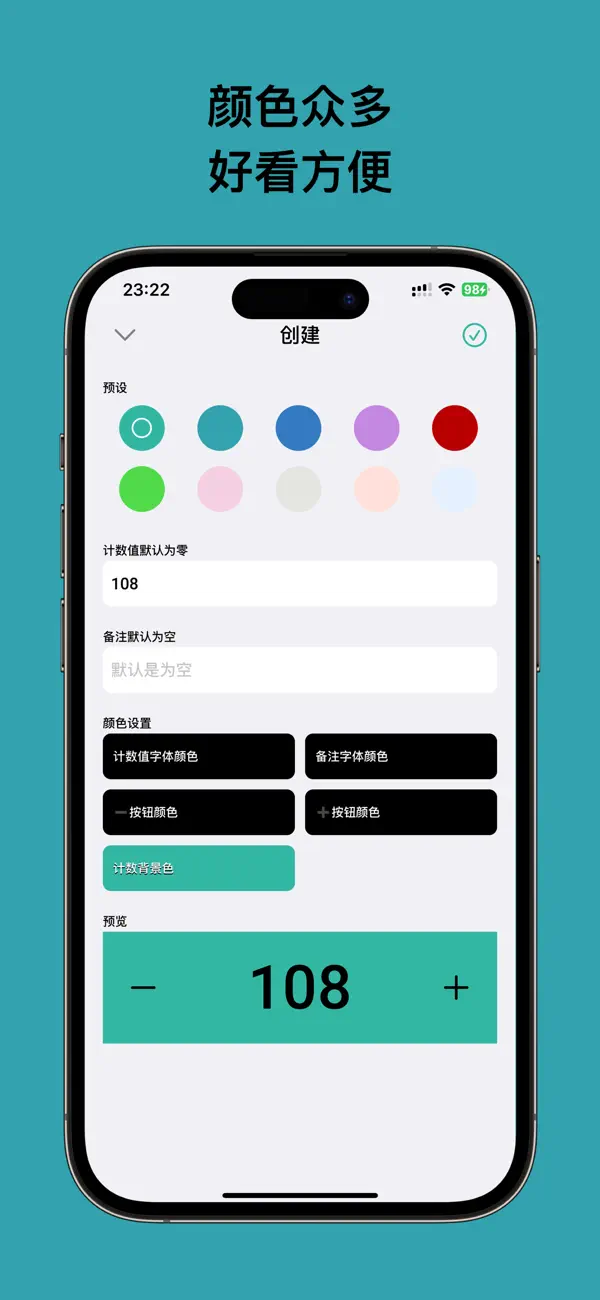
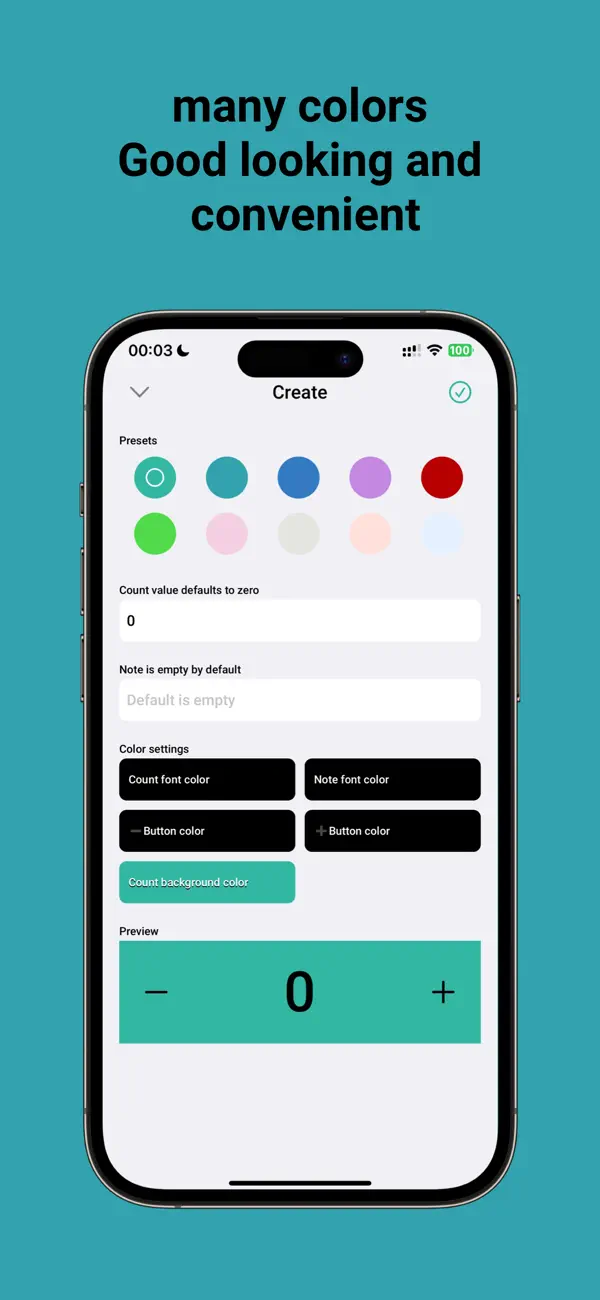
2. "Add" is the normal way to add a counting item. You can change the color of the item you create and use pre-made styles to quickly create items.

3. On the home page, swipe right on an item to reset or pin it.

4. On the home page, swipe left on an item to edit, delete, or archive it.

Settings functions:
1. Archive items that you don't want on the home page. You can unarchive them if you need them later.

2. Quick Add (default style): Customize the preset style by editing it and changing its color and style. When you click Quick Add on the home page, it will use the default style you set here.

3. Language support: Currently supports French, German, Korean, Spanish, Vietnamese, Japanese, Traditional Chinese, Simplified Chinese, and English.

Widget functions:
Note that you need to "pin" the home page before the widget functions appear in the widget selection list.

应用介绍

'计数器' 见名知意,这是一款计数软件,方便计数,功能足够简单,定价足够真诚。没有过多功能,要的就是简单,直接。

首页功能:
1. 首页右上角直接点击“快速添加”,这是一个快速添加计数条目的入口,为的就是方便,因为如果突然需要计数,那么就是干净利落的添加计数,而不是去创建了很多样式之后,再去计数,所以这里有一个快速入口,点击直接创建,然后便可以快速的进行计数
2. “添加”就是正常的添加一个计数条目,你可以对创建的条目进行颜色变更,也可以使用预置的样式快速创建,
3. 首页的条目可以右滑【重置|pin】
4. 首页的条目可以左滑动【编辑|删除|归档】

设置功能:
1. 归档,首页不想要的可以放在这里,如果需要又可以解除归档
2. 快速添加(默认样式),这里有一个预置的样式,可以进行编辑,自定义颜色和样式。当首页点击快速添加时,使用的就是这里默认样式
3. 语言支持,目前支持法语,德语,韩语,西班牙,越南,日本,中文繁体,中文简体,英文

小组件功能:
特别注意,小组件功能是需要您在首页“固定”后,才可以出现在小组件选择列表中。

Other apps from Softminilabs

← Back to Showcase